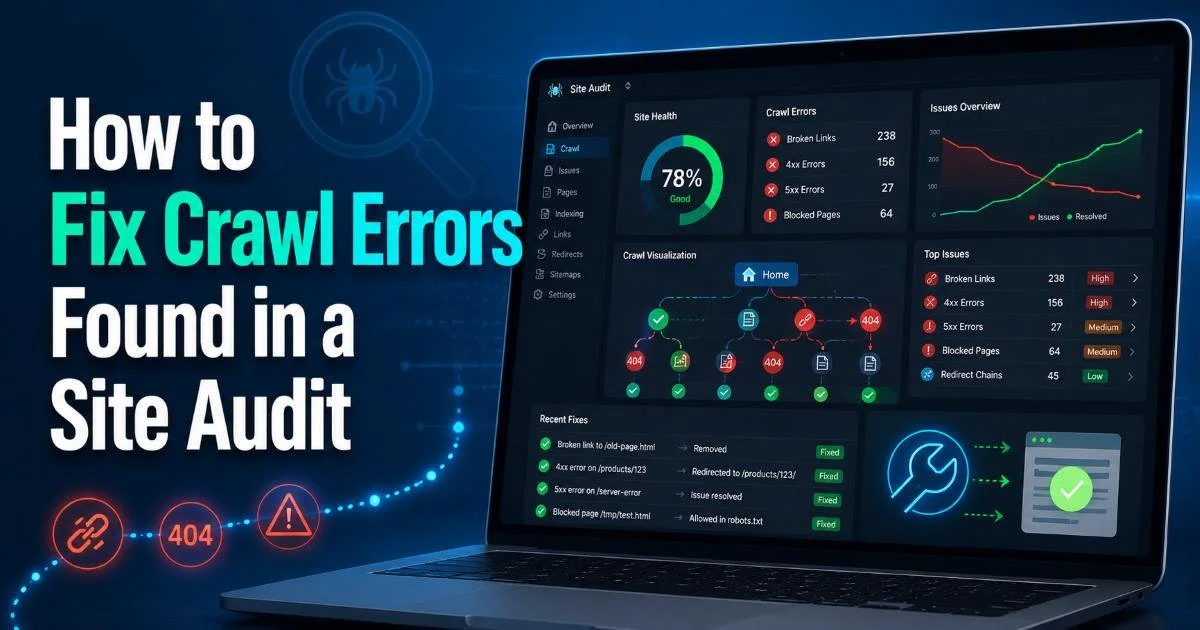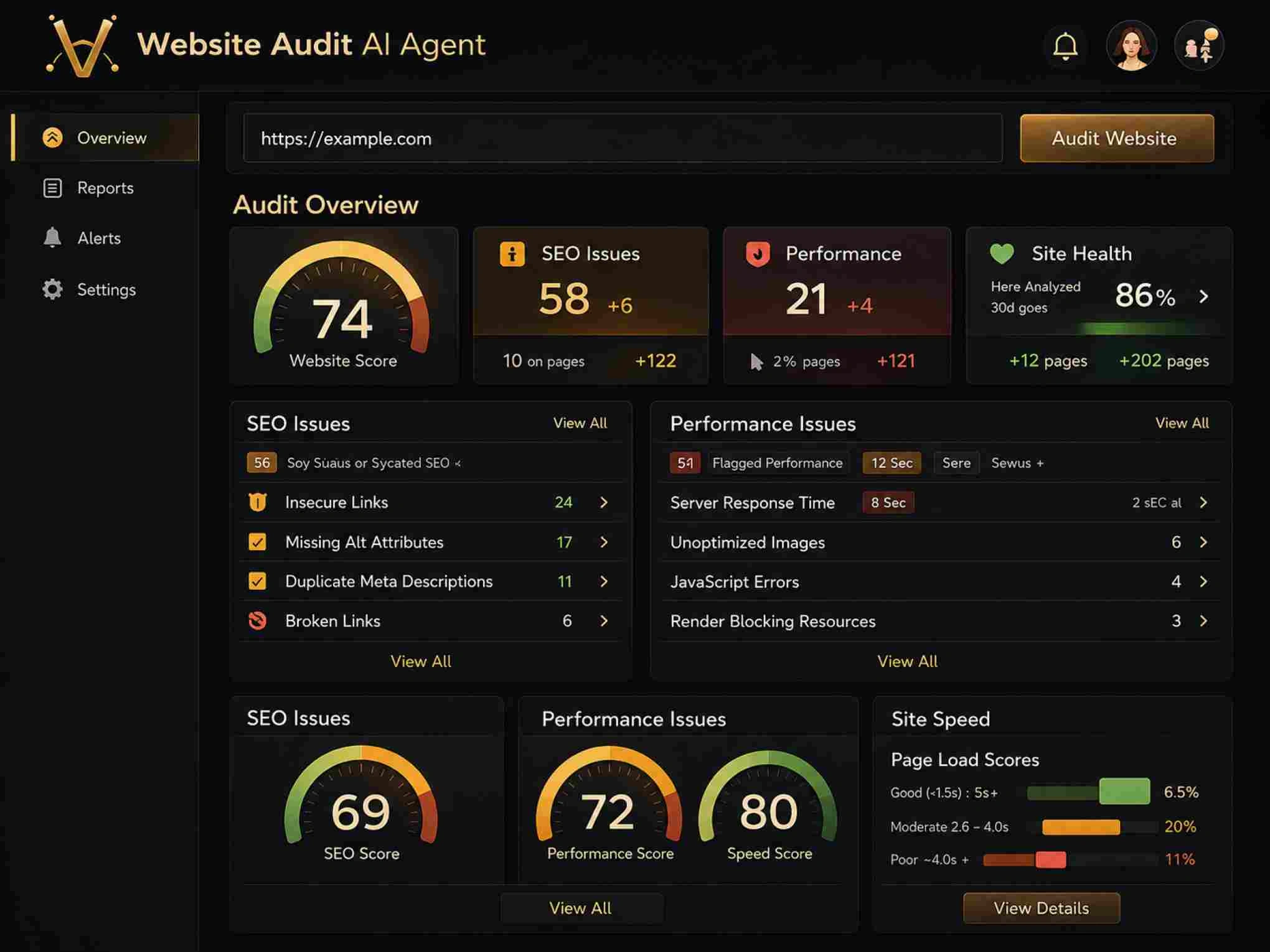
Learning how to scan your website for technical SEO problems is one of the most practical skills a digital marketer or webmaster can develop. Among the many issues a site audit will surface, broken links rank as one of the most common and most damaging.
A single dead link might seem harmless, but multiply that across dozens of pages, and you're looking at degraded user experience, wasted crawl budget, and lost link equity. Search engines interpret broken links as a sign of poor maintenance, which can quietly erode your rankings over time.
This guide walks you through a repeatable process for finding and fixing every broken link on your site. Whether you manage a 50-page business site or a 10,000-page e-commerce store, these steps apply. For a broader look at the full audit process, our guide on how to scan your website for technical SEO problems covers the complete picture.
Key Takeaways
- Broken links hurt both user experience and search engine rankings simultaneously.
- Automated crawling tools catch broken links faster than manual page-by-page checking.
- Prioritize fixing broken links on high-traffic pages and navigation menus first.
- 301 redirects preserve link equity when original content has moved permanently.
- Schedule monthly broken link audits to prevent accumulation over time.
Step 1: Understand What Broken Links Are and Why They Matter
Types of Broken Links
A broken link is any hyperlink that points to a destination that no longer exists or returns an error. The most common type is the 404 error, which means the target page has been deleted or the URL was mistyped. But broken links also include 500 server errors, timeout errors, and links pointing to domains that have expired entirely. Understanding these distinctions matters because each type requires a different fix.
Internal broken links those pointing to other pages on your own domain are entirely within your control. External broken links point to third-party websites that may have restructured, shut down, or moved content without redirects. Both types affect your site, but internal broken links are your top priority because they directly impact how search engines crawl and index your pages. External ones primarily affect user experience and the perceived credibility of your content.
A link returning a 301 redirect is not "broken," but redirect chains longer than three hops can cause problems similar to broken links.
The SEO Impact
Search engine crawlers follow links to discover and evaluate pages. When Googlebot hits a 404, it wastes crawl budget, the finite number of pages a bot will crawl in a given session. For large sites, this waste adds up significantly.
Beyond crawling, broken links destroy link equity flow. If an authoritative page links to a resource on your site that now returns a 404, all that ranking power disappears. When you think about how to scan your website for technical SEO problems, broken links should sit near the top of your checklist. They're also a problem that compounds — the longer you ignore them, the more they accumulate as content gets updated, pages get restructured, and external sites change. Fixing them related directly to addressing crawl errors found in a site audit.
Step 2: Scan Your Website to Identify Every Broken Link
Choosing the Right Crawling Tool
Manual checking is impractical for any site larger than a handful of pages. You need a crawler — software that follows every link on your site and records the HTTP status code of each destination. Free options like Screaming Frog (up to 500 URLs) and the W3C Link Checker work for smaller sites. For larger properties, tools like Ahrefs Site Audit, Sitebulb, or a dedicated technical SEO scanner, such as those we've reviewed for website scanning, handle tens of thousands of pages efficiently.
When configuring your crawl, make sure the tool checks both internal and external links. Some crawlers default to internal-only mode to save time, but you'll miss external 404s that frustrate users. Also, verify that the crawler respects your robots.txt file you don't want it hitting staging environments or admin panels. Set the user agent to mimic Googlebot for the most accurate simulation of how search engines experience your site.
Run your first crawl during off-peak hours to avoid putting unnecessary load on your server, especially if you're on shared hosting.
Interpreting Your Scan Results
Once the crawl finishes, export the results and filter for 4xx and 5xx status codes. Most tools will give you a list showing the broken URL, the page where the link lives (the source), and the HTTP response code. Sort by the number of inlinks a broken URL linked from 30 pages is far more urgent than one linked from a single archived blog post. This prioritization step saves you from wasting time on low-impact fixes.
"A single broken link on your homepage has more impact than fifty broken links on archived posts no one visits."
Step 3: Fix Broken Links With the Right Method for Each Case
Redirects vs. Direct URL Updates
The right fix depends on why the link is broken. If the target page moved to a new URL, implement a 301 redirect from the old URL to the new one. This preserves roughly 90-99% of the original page's link equity and sends users to the correct destination automatically. Use your server's .htaccess file (Apache), nginx configuration, or your CMS's built-in redirect manager. Never use 302 temporary redirects for pages that have permanently moved — search engines treat them differently.
If the original content was deleted and no equivalent page exists, you have two options. You can update the link to point to the next most relevant page on your site, or remove the link entirely. Updating is almost always better because it preserves the user journey. For example, if a product page was discontinued, link to the parent category page instead. When the broken link points to an anchor on a page that still exists but the anchor ID was removed, simply update the href to the base URL of that page.
Avoid creating redirect chains where URL A redirects to B, which redirects to C. Each hop adds latency and dilutes link equity. Point every redirect to the final destination.
| Scenario | Recommended Fix | Preserves Link Equity? |
|---|---|---|
| Page moved to new URL | 301 redirect | Yes (90-99%) |
| Page deleted, similar content exists | Update link to relevant page | Partially |
| Page deleted, no related content | Remove link or link to category | No |
| External site is permanently gone | Replace with alternative source | N/A |
| Typo in URL | Correct the href directly | Yes (fully) |
Handling External Broken Links
External broken links require a different approach because you don't control the destination server. First, check whether the content moved — use the Wayback Machine to find the original page and search the target site for an updated URL. If the content genuinely no longer exists, find an alternative authoritative source and swap the link. This is especially relevant if you're engaged in white hat link building, where outbound link quality matters for your site's reputation and trustworthiness.
For resource pages or blog posts with many external citations, batch this work by domain. If one external domain accounts for ten broken outbound links, investigate that domain once rather than ten separate times. Some sites will have simply moved to a new domain, meaning one find-and-replace operation fixes all ten links simultaneously. Documenting these changes in a spreadsheet helps when multiple team members handle content updates and prevents duplicate work across your editorial team.
Use Google Search Console's "Links" report alongside your crawl data to identify which broken pages have external backlinks pointing to them — those are your highest-value fixes.
Step 4: Build a System to Prevent Future Broken Links
Setting a Monitoring Schedule
Fixing broken links once is not enough. New ones appear constantly as you publish content, restructure pages, or as external sites change. The solution is scheduled monitoring. For most sites, a monthly crawl catches problems before they accumulate. High-volume publishing sites, news outlets, large blogs, and e-commerce stores with seasonal inventory should crawl weekly. Knowing how to scan your website for technical SEO problems on a regular cadence is what separates reactive troubleshooting from proactive maintenance.
Team Processes and Content Workflows
Prevention starts at the content creation stage. Establish a rule that every page deletion or URL change must include a corresponding 301 redirect. This should be a mandatory step in your CMS workflow, not an afterthought. Many content management systems offer plugins that automate redirect creation when a page's slug changes. WordPress plugins like Redirection or Yoast Premium handle this natively. Configure them once, and they catch URL changes going forward.
Train your content team to check outbound links before publishing. A quick validation takes seconds and prevents broken external links from going live in the first place. Create a shared document listing deprecated internal URLs and their redirects so writers know which links to avoid. When you regularly scan your website for technical SEO problems and share findings across the team, broken links become a collective responsibility rather than a single person's burden. This cultural shift is ultimately what keeps link rot under permanent control.
If you use a staging environment, broken links found there won't appear in production crawls. Always validate links in your live environment after deployment.
Frequently Asked Questions
?How often should I run a broken link audit on my site?
?Should I use a 301 redirect or update the URL directly to fix broken links?
?How long does crawling a 10,000-page site for broken links typically take?
?Does a 301 redirect count as a broken link during a site audit?
Final Thoughts
Broken links are one of those technical SEO problems that quietly compound when ignored. The good news is they're straightforward to find with the right tools and systematic to fix once you prioritize by impact. Build a monthly audit habit, enforce redirects during content changes, and treat link maintenance as an ongoing process rather than a one-time project.
Your users will encounter fewer dead ends, search engines will crawl your site more efficiently, and the link equity you've earned will actually reach the pages that need it most.