Knowing how to scan your website for technical SEO problems is the single most important habit that separates high-ranking sites from those stuck on page three. Every broken link, slow-loading page, or misconfigured robots.txt file chips away at your search visibility often without you noticing. The right scanning tools catch these issues before they compound into serious ranking drops. Yet with dozens of options on the market, picking the best tool for your needs can feel overwhelming.
This guide walks you through the top technical SEO scanning tools available today, organized by use case and budget. You'll learn what each tool does best, how to interpret its output, and which combination gives you the most complete coverage. If you've already started with our guide on scanning your website for technical SEO problems, consider this article the natural next step. Let's get into the specifics.
Key Takeaways
- Free tools like Google Search Console catch critical indexing and performance issues effectively.
- Desktop crawlers such as Screaming Frog offer the deepest technical analysis for large sites.
- Cloud-based platforms provide scheduled monitoring so problems never go undetected for long.
- AI-powered SEO tools are rapidly improving at prioritizing fixes by actual ranking impact.
- Combining two or three complementary tools gives far better coverage than relying on one.
1. Free Tools That Deliver Real Results
Google Search Console
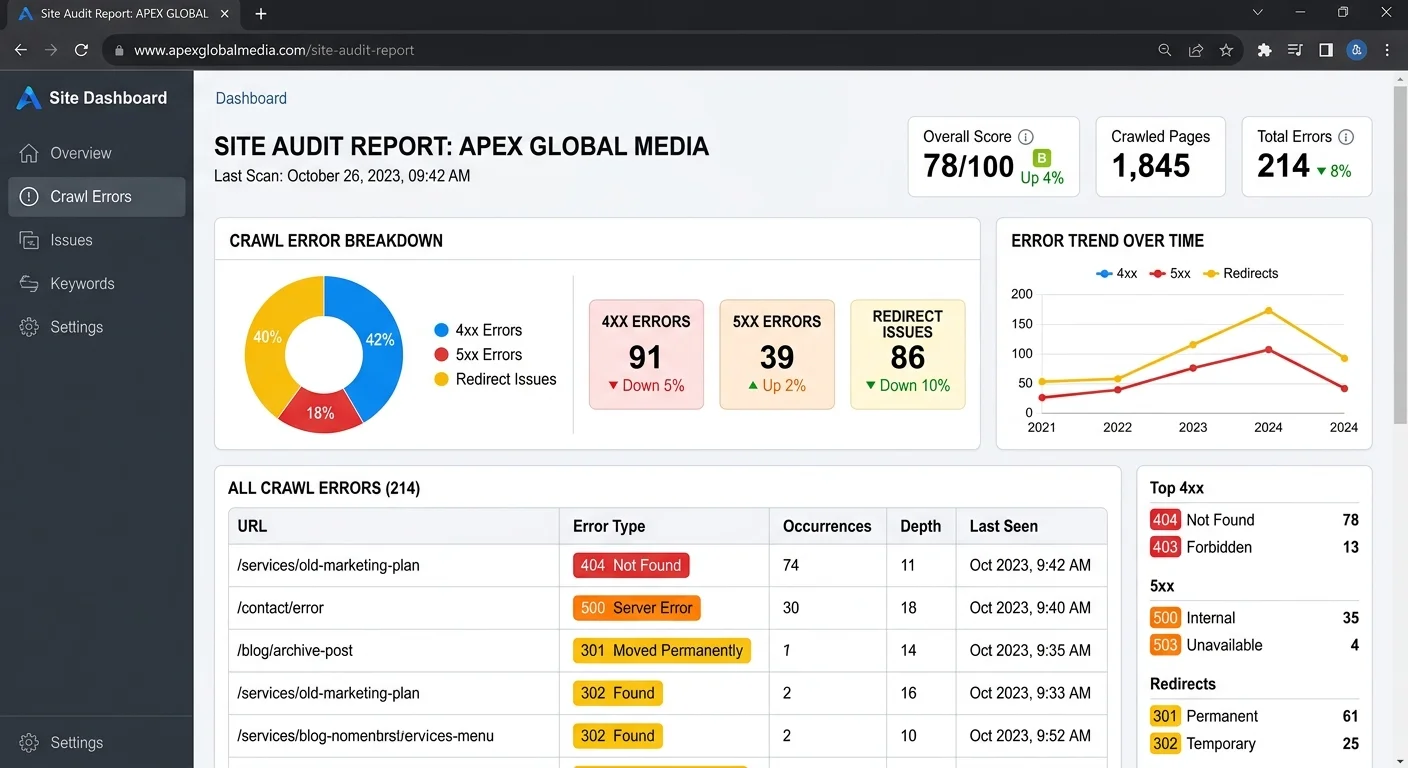
Google Search Console remains the single most valuable free tool for understanding how to scan your website for technical SEO problems. It reports directly from Google's own crawl data, which means you're seeing the exact issues that affect your rankings. The Coverage report flags pages with crawl errors, redirect issues, and indexing failures. The Core Web Vitals section highlights pages that fail Google's performance thresholds for Largest Contentful Paint, First Input Delay, and Cumulative Layout Shift.
What makes Search Console irreplaceable is its authority. Third-party tools estimate how Google sees your site; Search Console tells you directly. The URL Inspection tool lets you check individual pages, view the rendered HTML, and request re-indexing after fixes. The Mobile Usability report catches viewport and tap-target problems that tank mobile rankings. No paid tool can replicate this first-party data, which is why every scanning workflow should start here.
Set up email alerts in Google Search Console so you're notified the moment new crawl errors appear.
Bing Webmaster Tools and Lighthouse
Bing Webmaster Tools often gets overlooked, but its Site Scan feature runs a comprehensive technical audit that catches issues Search Console misses, particularly around structured data and meta tag configuration. Bing handles roughly 9% of US desktop search traffic, so ignoring it means leaving real visitors on the table. The tool also provides a detailed SEO report card with prioritized recommendations.
Google Lighthouse, accessible through Chrome DevTools or PageSpeed Insights, audits individual pages for performance, accessibility, best practices, and SEO. It generates a score from 0 to 100 for each category. Lighthouse is especially strong at diagnosing render-blocking resources, inefficient image formats, and missing meta descriptions. Running it on your five highest-traffic pages gives you actionable fixes in under ten minutes.
2. Desktop Crawlers for Deep Analysis
Screaming Frog SEO Spider
Screaming Frog SEO Spider is the industry standard for desktop-based site crawling. The free version crawls up to 500 URLs, while the paid license (£199/year) removes that cap entirely. It maps your entire site architecture, identifies broken links, audits redirect chains, flags duplicate content, and extracts structured data for validation. For agencies managing dozens of client sites, nothing else matches its depth and flexibility.
The tool's real power lies in its custom extraction and filtering capabilities. You can configure it to find pages missing Open Graph tags, identify thin content under a specific word count, or spot orphan pages with no internal links. Integration with Google Analytics and Search Console pulls in real traffic and impression data, so you can prioritize fixes based on actual business impact rather than arbitrary severity scores. The learning curve is steep, but the payoff is enormous.
Screaming Frog runs on your local machine, so crawling very large sites (100,000+ pages) requires adequate RAM — at least 8 GB dedicated.
Sitebulb and Visual Crawling
Sitebulb takes a different approach by emphasizing visual reports and automated prioritization. Where Screaming Frog gives you raw data, Sitebulb gives you interpreted results with clear explanations of why each issue matters. Its crawl maps render your site architecture as interactive visualizations, making it easy to spot structural problems like deep page depth or orphaned content clusters that harm crawl efficiency.
The tool categorizes every finding into Hints, rated by priority and grouped by type: indexability, internal linking, page speed, security, and more. This makes it especially useful for teams where the person running the crawl isn't a senior SEO specialist. Sitebulb's annual license starts at £120, and it supports JavaScript rendering for auditing modern single-page applications. For visual learners and client-facing reports, it's outstanding.
3. Cloud-Based Platforms for Ongoing Monitoring
Ahrefs and Semrush Site Audit
Cloud-based platforms like Ahrefs and Semrush bundle technical site auditing into broader SEO suites. Ahrefs' Site Audit tool crawls your site on a schedule you define — weekly or monthly — and tracks how your technical health score changes over time. It flags over 100 predefined issues, from hreflang conflicts to canonical tag mismatches, and explains each one in plain language. The scheduled crawling means you catch new problems quickly rather than discovering them months later.
Semrush's Site Audit operates similarly but adds thematic reports that group related issues together. Its "Top Issues" view ranks problems by the number of affected pages, which helps you tackle high-impact fixes first. Both platforms cost between $99 and $199 per month, so they make the most financial sense when you're also using their keyword research, backlink analysis, and rank tracking features. If you're only doing technical audits, a dedicated crawler offers better value.
"The best technical SEO workflow isn't about finding every issue — it's about fixing the issues that actually move rankings."
AI-Driven Scanning Tools
A newer generation of scanning tools uses artificial intelligence to not just identify problems but predict their impact and suggest prioritized action plans. These tools analyze patterns across thousands of sites to determine which technical issues correlate most strongly with ranking changes. The result is a smarter audit that tells you exactly where to spend your limited time. For a deeper look at how AI is reshaping this space, the team at VisionVix has published a solid breakdown of the best AI SEO tools currently available.
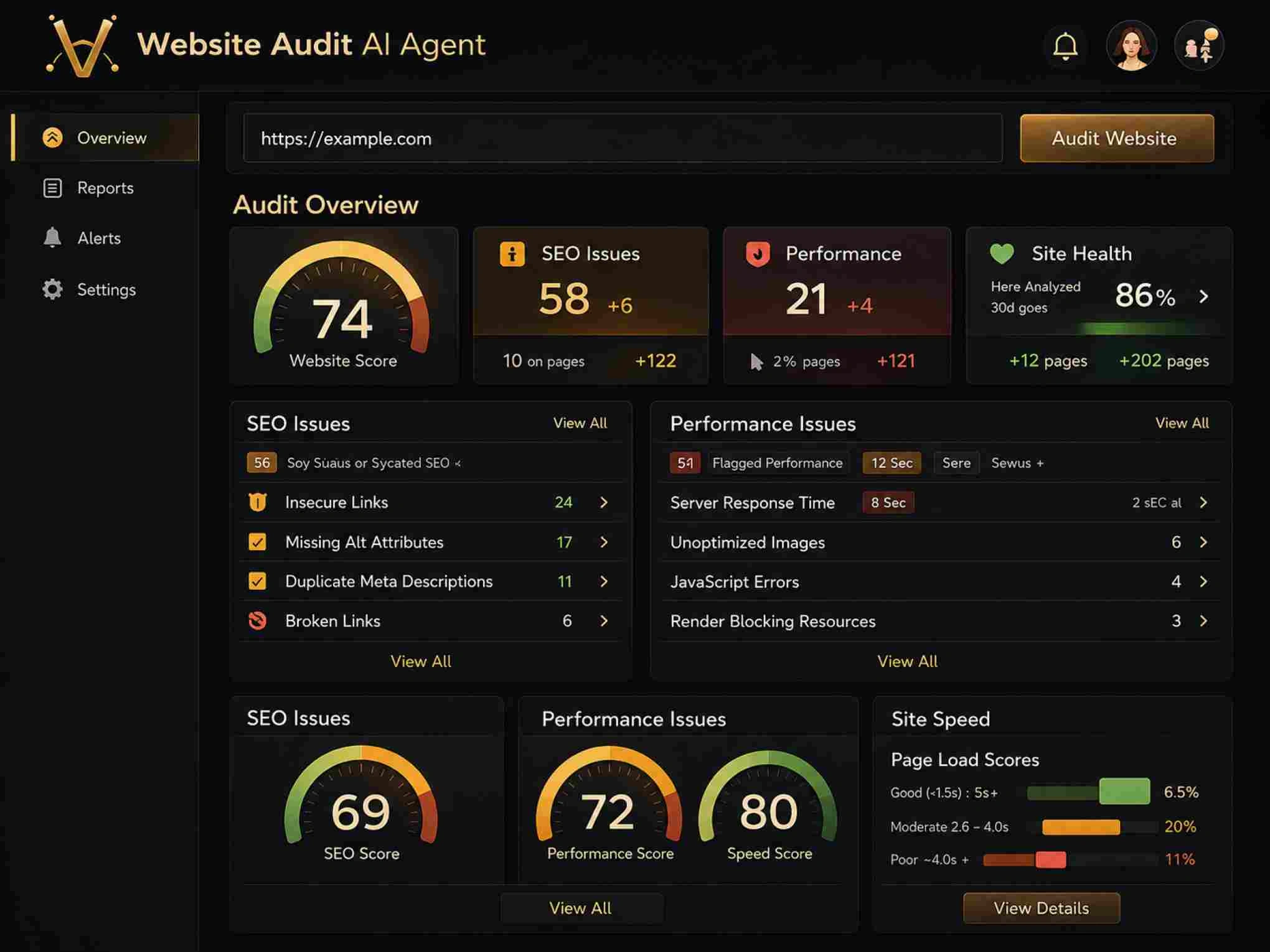
Website Audit at websiteaudit.dev exemplifies this approach. You can scan your website for technical SEO problems and receive clear, prioritized improvement points without needing to interpret raw crawl data yourself. AI-driven tools are particularly valuable for small teams and solo webmasters who lack the time to manually sift through hundreds of audit findings. They won't replace deep-dive crawlers for complex sites, but they've become the fastest path from "I know something's wrong" to "here's exactly what to fix first."
Run an AI-based scan first to identify priority issues, then use a desktop crawler for deeper investigation of specific problem areas.
4. Choosing the Right Tool Combination
Budget and Site Size Considerations
No single tool covers every technical SEO scenario perfectly. Your ideal stack depends on three factors: budget, site size, and team expertise. A freelancer managing a 50-page WordPress site has very different needs from an enterprise team responsible for a 500,000-page ecommerce catalog. The table below maps common scenarios to recommended tool combinations, giving you a practical starting point.
| Scenario | Recommended Tools | Estimated Monthly Cost |
|---|---|---|
| Solo blogger, under 500 pages | Google Search Console + Lighthouse + websiteaudit.dev | $0 |
| Small business, 500–5,000 pages | Screaming Frog + Search Console + Ahrefs Lite | ~$115 |
| Agency, multiple client sites | Screaming Frog + Semrush + Sitebulb | ~$330 |
| Enterprise, 50,000+ pages | Screaming Frog + Ahrefs + Lumar (DeepCrawl) | ~$700+ |
Budget constraints shouldn't stop you from scanning your website for technical SEO problems regularly. The free tier of tools available today, Search Console, Lighthouse, Bing Webmaster Tools, and Screaming Frog's 500-URL crawl, covers the majority of issues most sites face. Paid tools add depth, automation, and historical tracking, but the free stack alone catches roughly 80% of critical problems. Start free, upgrade when you hit limits.
Avoid running multiple crawlers simultaneously on the same site — you can accidentally overload your server and cause downtime.
Recommended Tool Stacks
The most effective approach pairs a first-party data source with a comprehensive crawler and a monitoring layer. Google Search Console provides ground truth from Google itself. A desktop crawler like Screaming Frog or Sitebulb gives you the full technical picture across every URL. A cloud-based platform or AI tool adds the monitoring component, alerting you to new issues between manual audits. This three-layer approach catches problems at every stage.
Frequency matters as much as tool selection. Run Search Console checks weekly, full crawls monthly, and cloud-based monitoring on a continuous schedule. After major site changes, redesigns, CMS migrations, or large content pushes — run an immediate scan regardless of your regular schedule. Technical SEO health isn't a one-time project. It's an ongoing practice, and the right tool combination makes that practice sustainable rather than overwhelming.
Frequently Asked Questions
?How do I use Google Search Console to find crawl errors fast?
?Is Screaming Frog worth it over free tools like Search Console?
?How long does a full technical SEO site scan typically take?
?Will fixing missing alt text actually improve my search rankings?
Final Thoughts
The best technical SEO tool is the one you actually use consistently. Whether you start with free options like Google Search Console and Lighthouse or invest in a full suite from Semrush or Ahrefs, the key is building a regular scanning habit.
Pair your tools thoughtfully. A first-party data source, a deep crawler, and an automated monitor give you complete coverage. Understanding how to scan your website for technical SEO problems is only half the battle; acting on what you find is what actually improves rankings. Pick your stack, set your schedule, and start fixing.
Disclaimer: Portions of this content may have been generated using AI tools to enhance clarity and brevity. While reviewed by a human, independent verification is encouraged.